 Key Organizer
01
Add Your Key
Create a key entry on Home. A name is required; everything else is optional.
Key Organizer
Keep all your keys organized in one simple place. Add photos, locations and notes, then find exactly what you need in seconds.
Free to download on iPhone. Made for iPhone.

How it works
Create a key, add the details you want to remember, and search whenever you need it.
Create a key entry on Home. A name is required; everything else is optional.
Add a photo from the camera or your library, plus a location and notes when useful.
Search your collection by name, location, or notes whenever you need a specific key.
Features
Key Organizer is a focused iPhone utility for the keys you already own.
Keep every key in one list, with a clear name you can recognize later.
Add a photo to recognize your keys at a glance, using the camera or photo library.
Find the right key quickly using the name, location, or notes you’ve saved.
Save where a key lives and any extra detail you want to remember.
Key information stays on your iPhone. There is no account and no Key Organizer cloud sync.
Update a key when something changes, or remove it from this device when you no longer need it.
Inside the app
A look at how Key Organizer helps you add, recognize, and find your keys.
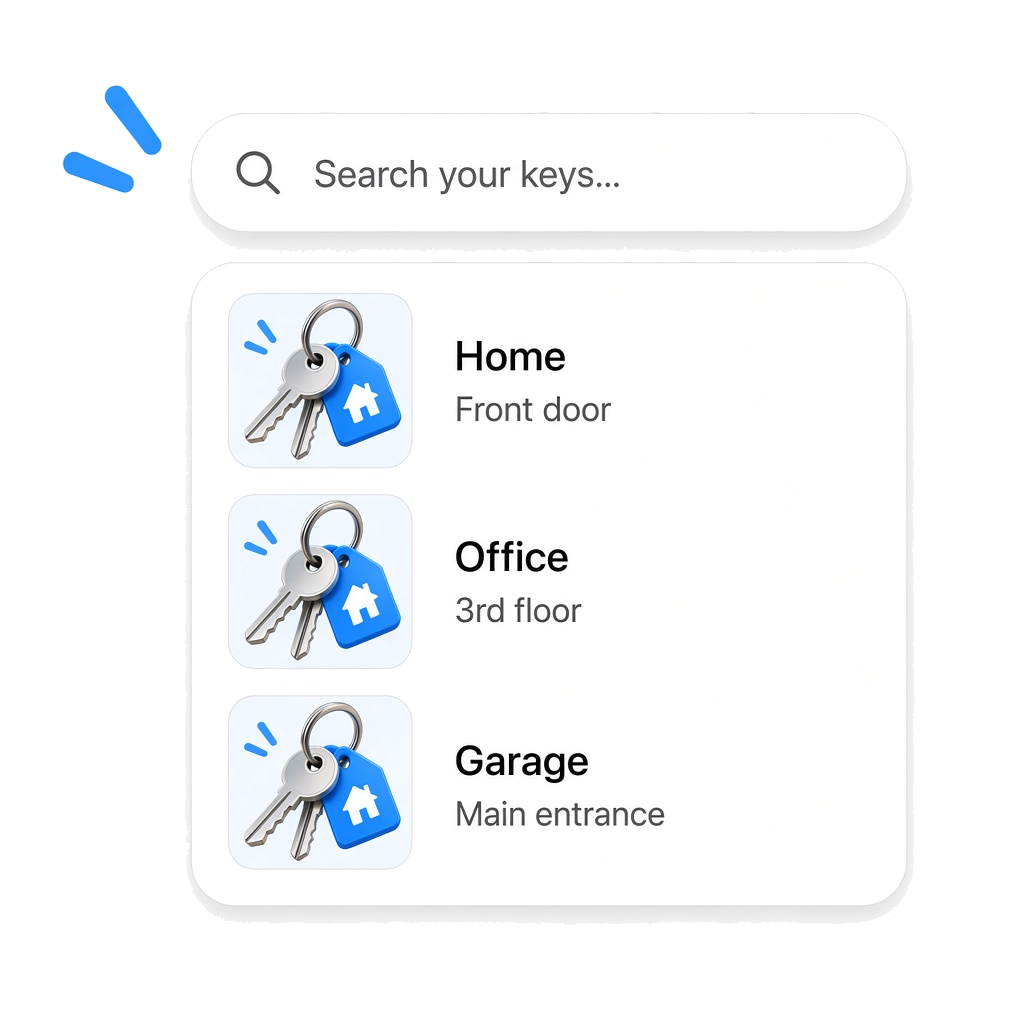
Search your keys by the information you already know: name, location, or notes.
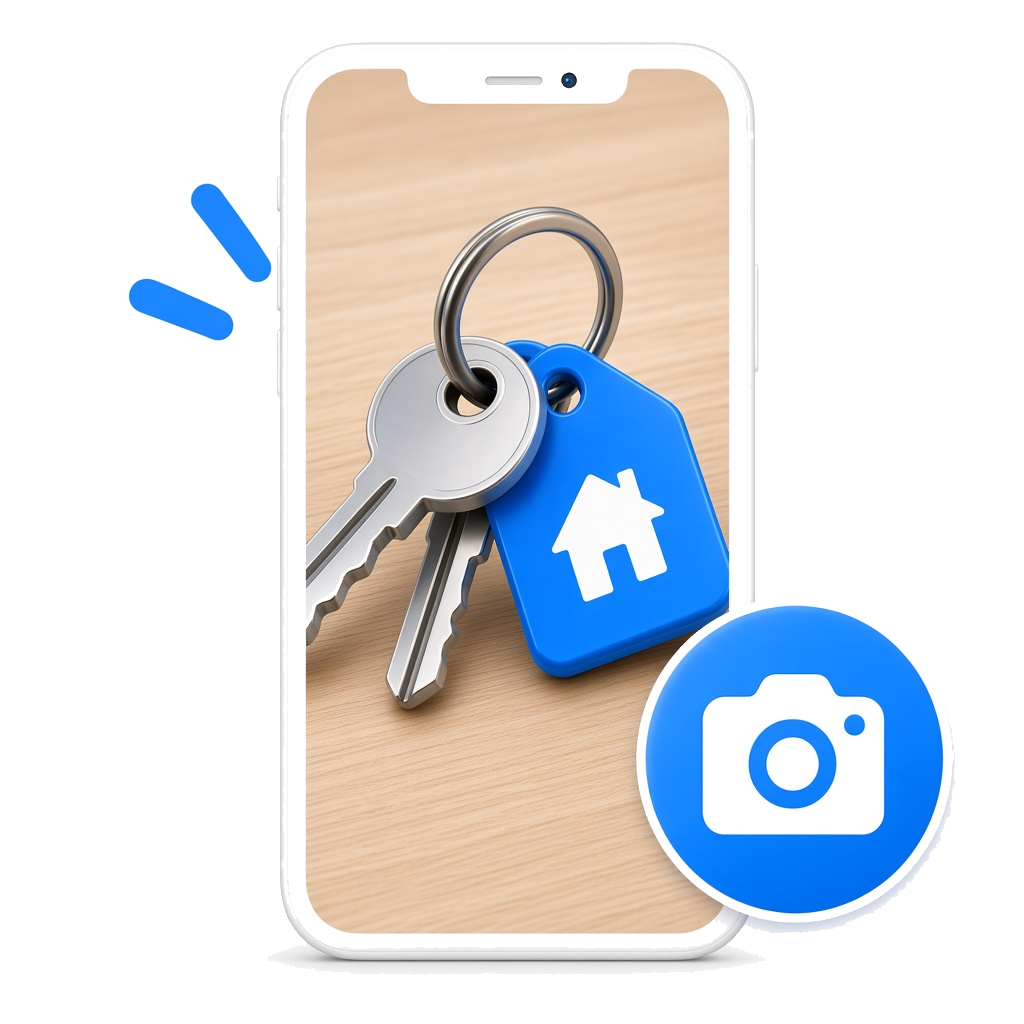
Take or choose a picture for each key so you can recognize it later.
Keep every key organized on your iPhone, without creating an account.
Getting started
The same three onboarding screens you see in the app.
01 — Stay Organized
Keep track of your keys easily and never lose them again.
02 — Add Photos
Take or choose a picture for each key to easily recognize it later.
03 — Find Anytime
Search your keys by name, location or notes in seconds.
On your iPhone
Key names, locations, notes, and photos are stored locally on this device. Key Organizer does not require an account and does not operate a server for your key records.
Core key management is designed to work without a network connection. The app is free to download. Advertisements may appear in the app and are not required to save or find your keys.
FAQ
Key Organizer is a free iPhone app for storing key names, optional locations, optional notes, and optional photos on your device.
On Home, tap Add Key. A name is required. Location, notes, and a photo are optional. Tap Save Key.
Yes. On Add Key or Edit you can take a photo with the camera or choose one from your photo library.
Yes. Use the search field on Home. Search matches name, location, and notes.
Names, locations, notes, and photos are stored locally on this iPhone. Key Organizer does not sync them to a Key Organizer server.
Yes. Key Organizer is free to download. The app may show advertisements. Ads are not required to use key management features.
No. There is no account and no sign-in.
Yes. Adding, editing, searching, and viewing keys works without internet. Advertisements may not load offline.
Get Key Organizer on iPhone. Free to download. No account required.
Download on theApp StoreComing soon on the App Store.